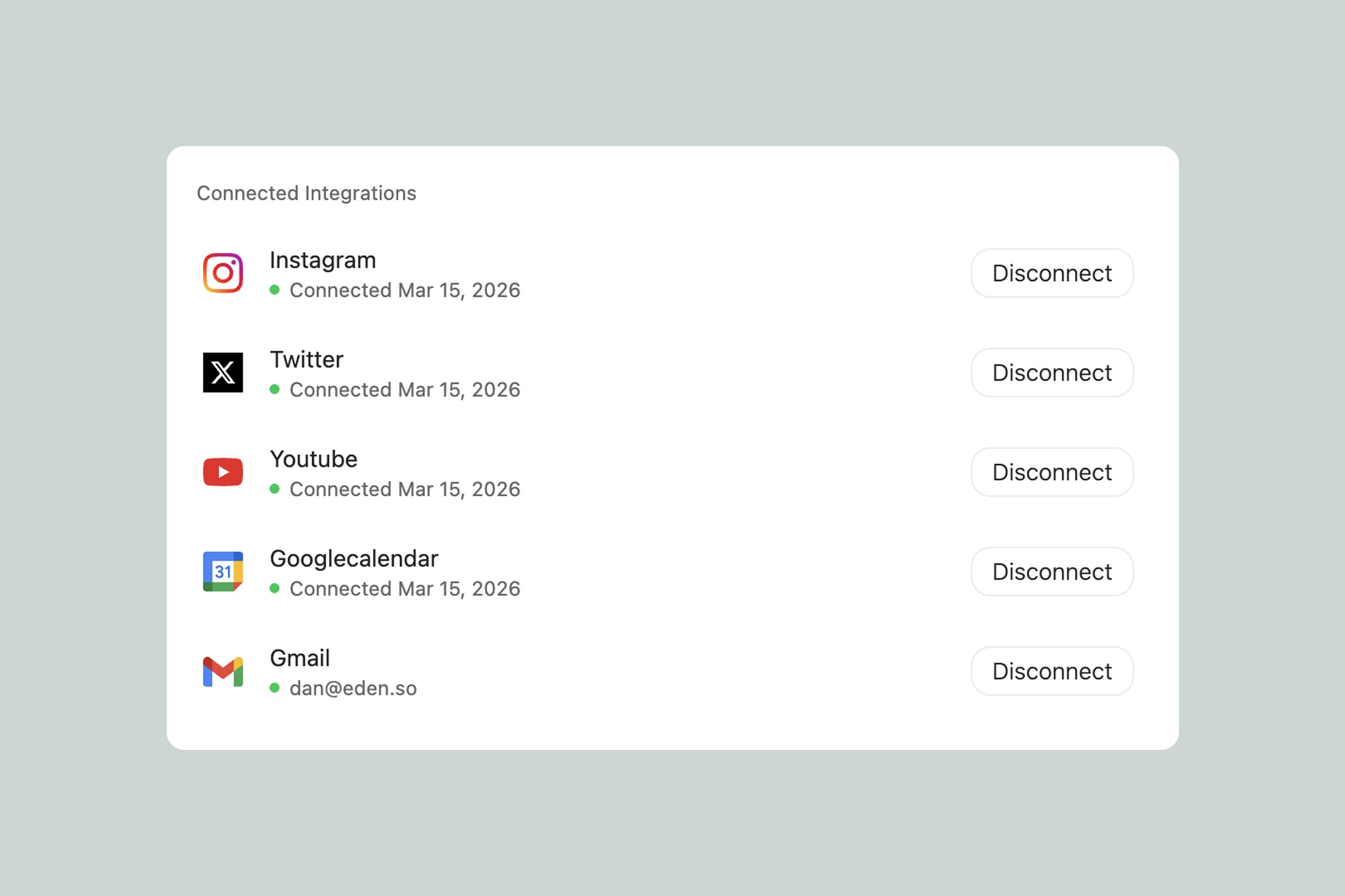
Integrations let Eden talk to the other apps you use. When you connect a tool like Gmail, Google Calendar, Slack, YouTube, or Notion, you give Eden the ability to access information and perform actions inside those apps — directly from your chats, agents, and tasks.
Instead of switching between tabs to check your email, update a spreadsheet, or post to social media, you can ask Eden to do it for you. Or better yet, set up a task that does it automatically.
How to Connect an Integration
There are two ways:
From a chat or agent: Click the integrations icon in the chat input bar. You'll see available integrations you can connect. Click one, authorize it, and you're set. The next time you mention that tool in a chat or task, Eden can use it.
From Settings: Go to Settings > Integrations to see all available integrations, connect new ones, and manage existing connections. This is also where you can disconnect integrations you no longer need.
Connecting an integration is a one-time setup. Once it's linked, every chat, agent, and task in your workspace can use it.
What Can Integrations Do?
Every integration comes with tools and some come with triggers.
Tools are actions Eden can perform inside the connected app. Reading your latest emails in Gmail, creating a page in Notion, posting a message in Slack, updating a row in Google Sheets, searching YouTube — these are all tools. When you ask your agent to "check my email" or "add this to my Notion database," it's using integration tools under the hood.
Triggers are events that can kick off a task automatically. A new email arrives in Gmail, a video gets added to a YouTube playlist, a new ticket is created in Zendesk — these events can trigger tasks without you lifting a finger. Not every integration has triggers, but the ones that do open up powerful automations. See Eden Triggers for how triggers work.
Where Integrations Work
Integrations are available everywhere in Eden:
In chats. Mention an integration naturally in conversation. "What's on my calendar today?" uses Google Calendar. "Summarize my unread emails from this morning" uses Gmail. "Find my last 5 tweets" uses Twitter/X. You don't need special syntax — just ask, and Eden uses the right integration.
In agents. Your agents can use any connected integration as part of their workflow. Your Marketing Director can pull analytics from Google Analytics, check competitor activity through social integrations, and post a summary to Slack — all in one conversation. Agents also use integrations in the tasks they create, so your daily briefing can include calendar events, unread emails, and project updates from Asana all in one report.
In tasks. Use integrations as actions (post to Slack when a task completes) or as triggers (run a task when a new YouTube video is added to a playlist). This is where integrations and task chaining combine for powerful multi-step automations.
What's Available
Eden supports 60+ integrations across categories like email, calendar, social media, project management, CRM, e-commerce, analytics, and more. Some of the most popular:
Communication: Gmail, Outlook, Slack
Calendar & Scheduling: Google Calendar, Cal.com, Calendly
Social Media: Twitter/X, LinkedIn, Instagram, Facebook, Reddit, Typefully
Video & Content: YouTube, Figma, Miro
Project Management: Asana, Linear, ClickUp, Monday.com, Trello, Todoist
Docs & Storage: Google Drive, Google Docs, Google Sheets, Notion, Dropbox, OneDrive, Coda, Airtable
Marketing & Email: Mailchimp, Kit (ConvertKit), Klaviyo, ActiveCampaign, HubSpot, SEMrush, Ahrefs, Google Ads, Meta Ads
E-commerce & Payments: Shopify, Stripe, Gumroad, Lemon Squeezy, Whop
CRM & Sales: Salesforce, Pipedrive, HubSpot
Support: Zendesk, Intercom
Meetings: Zoom, Google Meet, Granola
Developer Tools: GitHub
For the full list — including every tool and trigger each integration supports — check our integrations page.
A Quick Example
Say you're a creator who uses Gmail, Google Calendar, YouTube, and Slack. Here's what a morning might look like with integrations connected:
Your Executive Assistant agent runs its 8am briefing task. It pulls your calendar events for the day from Google Calendar, checks Gmail for anything urgent, looks at your YouTube channel stats, and compiles everything into a morning summary. It posts the summary to your #daily-updates Slack channel and sends you the highlights in Telegram.
You didn't open four apps. You didn't check four dashboards. You read one message.
That's what integrations unlock — not just access to your tools, but the ability to have Eden coordinate across all of them.
Thank you.