Agents are your personal AI team members inside Eden. You tell them what to do, and they handle it — whether that's right now, on a schedule, or when something specific happens.
Think of an agent as an assistant that knows your preferences, has access to your tools, and remembers what you've told it. It can create tasks, search the web, work with your integrations, and report back in a conversational way.
You might be thinking: "How is this different from just chatting with Eden AI?"
Good question.
Chat vs. Agent — What's the Difference?
Eden AI chat is great for one-off conversations. You ask something, you get an answer, you move on. It's like texting a smart friend.
An agent is more like hiring someone. It has a name, a role, specific instructions, its own knowledge base, and memory of your past conversations. It doesn't just answer questions — it runs things for you.
Here's a quick comparison:
Eden AI Chat is best for quick questions, one-off research, brainstorming, working within a project, and anything you don't need to repeat.
An Agent is best for ongoing workflows, recurring tasks, specialized roles, and anything that benefits from context building over time.
For example, you could ask Eden AI to "write me a tweet about my new podcast episode." It'll do a good job. But your Personal Brand Coach agent already knows your brand voice, has seen your last 30 posts, knows what's been performing well, and will not only write the tweet — it'll tell you why it chose that angle and suggest two follow-ups to post this week. That's the difference.
What Can Agents Actually Do?
Agents are orchestrators. When you ask an agent to do something, it figures out the steps, creates tasks to execute them, and reports back what happened — all in a conversational way.
Here's what that looks like in practice:
A Marketing Director agent — You say: "Analyze what our competitors posted this week and suggest 3 content angles we're missing." The agent searches the web, reviews competitor profiles through your connected integrations, compares it against your brand guidelines in its knowledge base, and comes back with a briefing.
A Reading List Concierge agent — Every morning at 8am, it sends you 3-5 handpicked articles, videos, or podcast episodes based on your interests. You pick one, and it learns from your choices over time.
An Executive Assistant agent — You say: "What's the most important thing I should focus on today?" It looks at your active projects, checks what's stalled, and gives you a straight answer — not a generic to-do list.
Agents can also create tasks that run on schedules or respond to triggers. Your Deep Researcher agent could monitor a topic weekly and drop a research brief in your workspace every Monday. Your Swipe File Manager could automatically break down any content you save to a specific folder.
General vs. Specialist — Do I Need Multiple Agents?
Most people start with one agent, and that's totally fine. A general-purpose agent can handle things like "read my email," "summarize this article," or "remind me to follow up on Friday."
But here's where it gets interesting: the more specific an agent's job, the better it performs.
A general agent that's also your content strategist, brand coach, and email writer has a lot of instructions to juggle. It's like hiring one person to do five jobs — they'll be okay at everything but great at nothing.
A specialist agent has focused instructions, a curated knowledge base, and builds context around one area over time. Your Email & Funnel Architect agent only thinks about conversion paths, email sequences, and landing pages. It has your funnel data, your best-performing subject lines, and your audience segments in its knowledge base. When you ask it to write a launch sequence, it's drawing from all of that — not trying to remember whether you also asked it to plan your social media calendar.
A good rule of thumb:
If you're just getting started, pick one agent template that matches your biggest need and start there.
If you find yourself giving an agent instructions that don't relate to each other (content strategy AND project management AND competitor research), that's a sign to split it into specialists.
You can always start general and specialize later.
Agents + Telegram
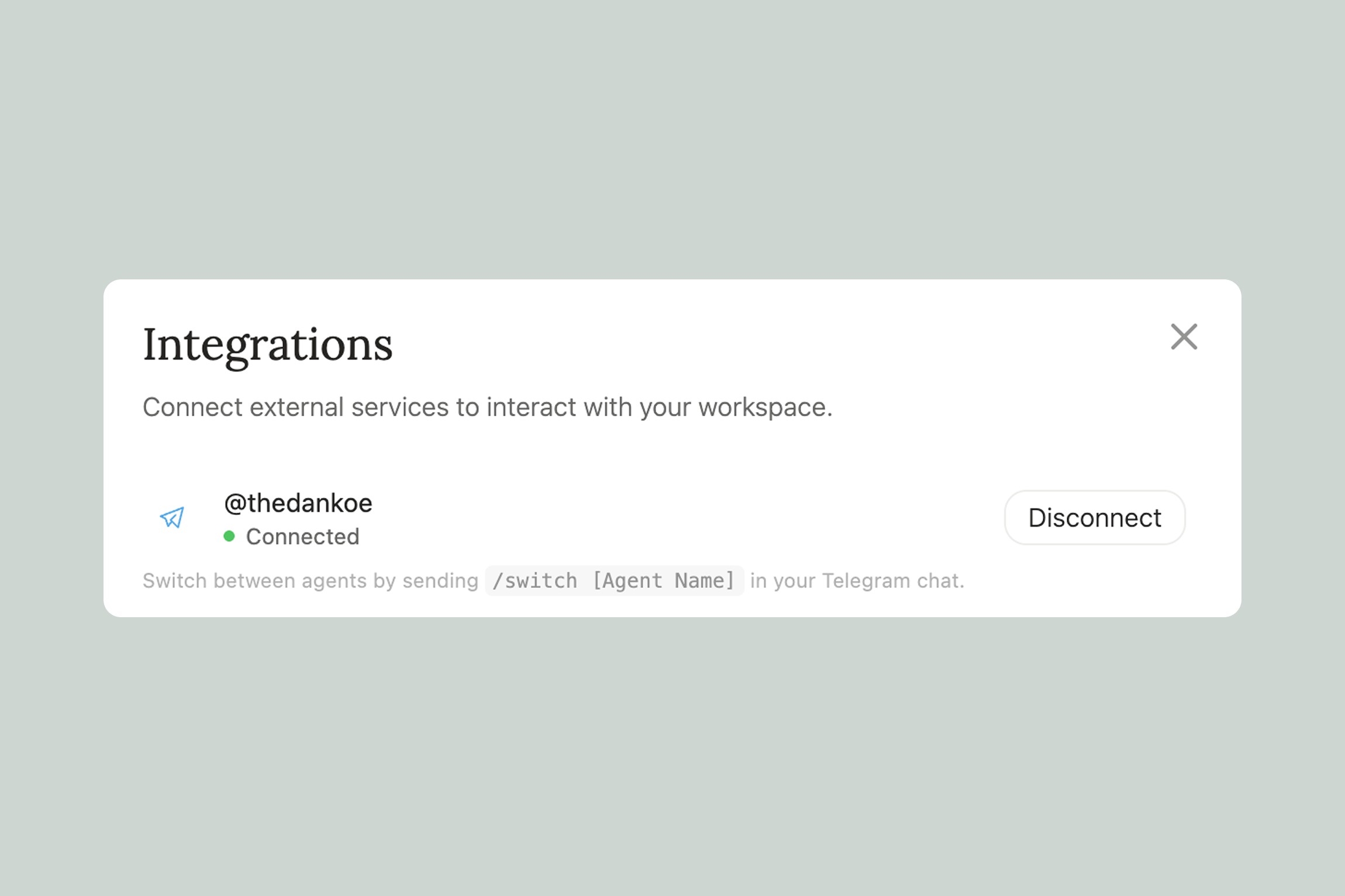
One of the most powerful things about agents is that you can connect them to Telegram. This means you can talk to your agents from your phone, anytime — without opening Eden.
Imagine your Strategic Advisor agent pinging you in the morning: "Here's the one thing you should focus on today." You reply with a quick update. It adjusts your priorities. All from a Telegram message while you're having coffee.
You can connect multiple agents to Telegram and switch between them by typing /switch [Agent Name]. So you might check in with your Personal Brand Coach in the morning, then switch to your Marketing Director in the afternoon to review campaign performance.
We cover the full Telegram setup in Connecting Your Agent to Telegram.
Getting Started
Ready to create your first agent? Here's the quick version:
Starting from a template (recommended):
Open the Agent view in Eden
Browse the available templates — we have 10 designed for creators and marketers, from a Personal Brand Coach to a Deep Researcher
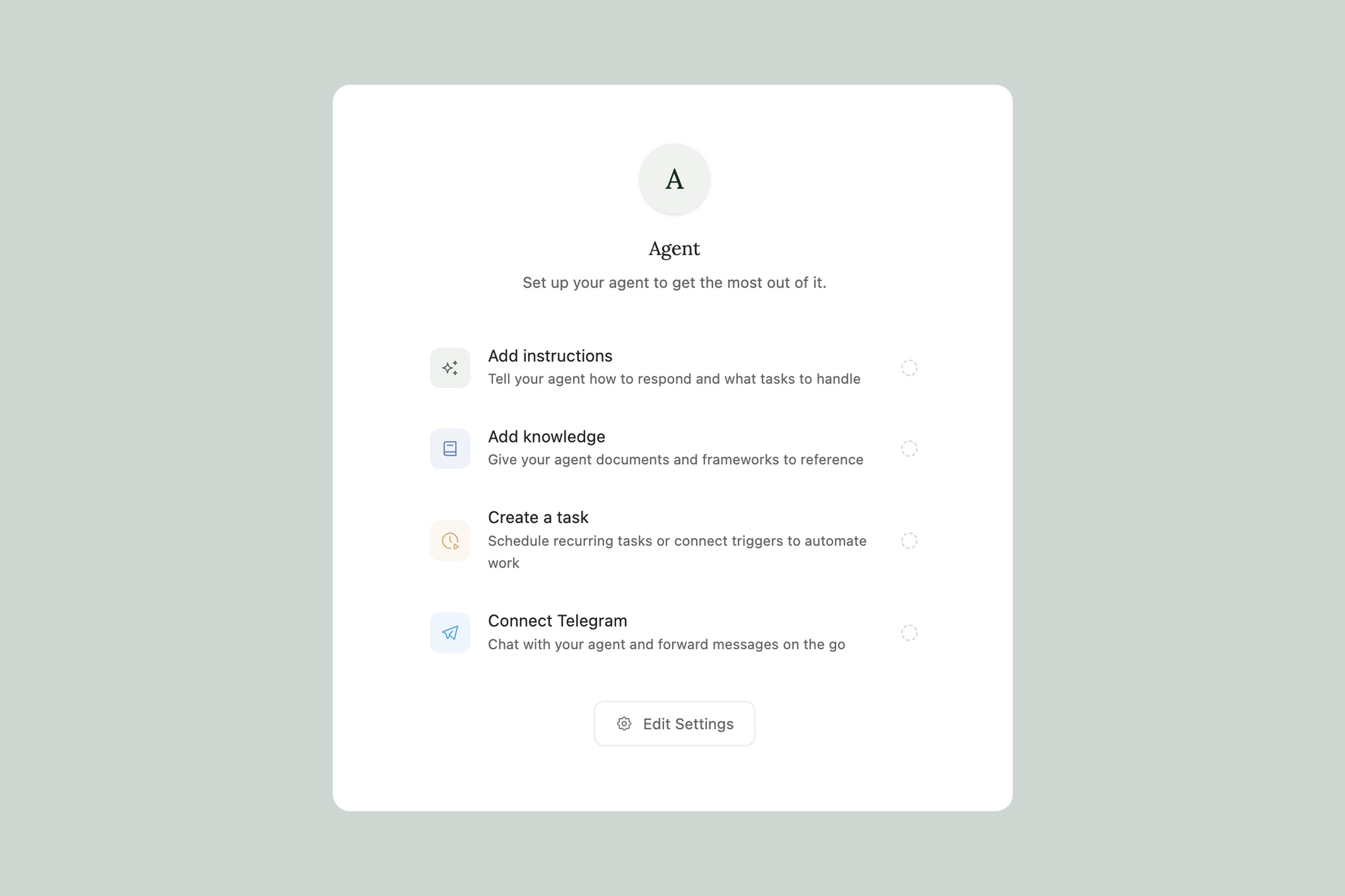
Pick one and start chatting — the template already has its instructions, personality, and knowledge base set up. Your agent will ask you a few questions to personalize itself, and then it's ready to work.
No setup required. Just pick a template and start talking.
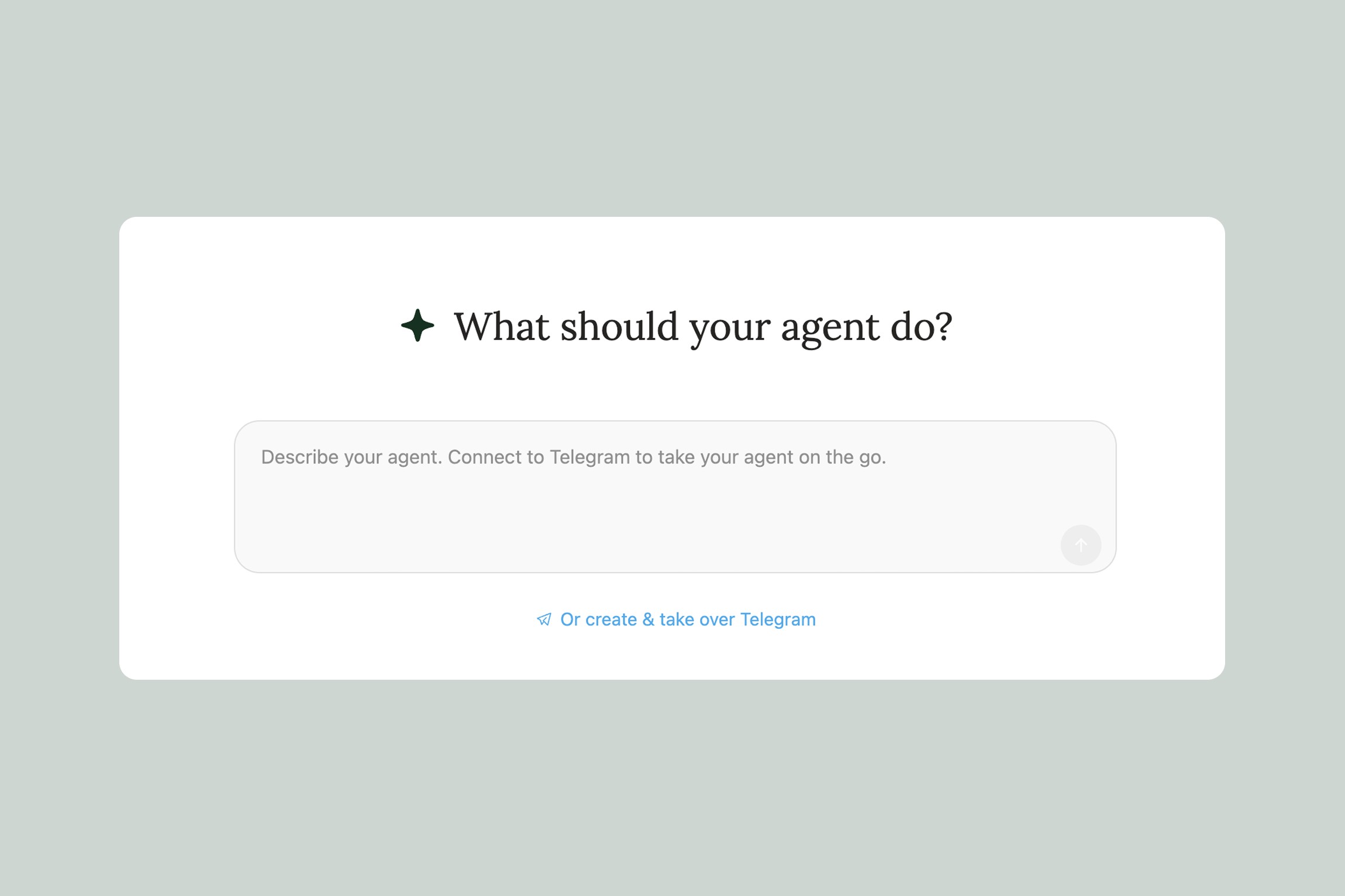
Creating your own agent: If you have something specific in mind, you can create a custom agent. On the new agent page, describe what you want your agent to do — and Eden will generate the instructions for you. Or, if you want full control, click "Start from scratch" in the top right to customize everything yourself.
For a full walkthrough of templates, check out Agent Templates. If you want to build your own, head to Creating a Custom Agent.
When Should I Use an Agent?
Here are some signs that an agent would make your life easier:
You keep repeating yourself. If you're constantly re-explaining your brand voice, audience, or goals in Eden AI chat, an agent remembers all of that so you don't have to.
You want something to run without you. Agents can create scheduled tasks and automation triggers. A daily content briefing, a weekly competitor analysis, an automatic breakdown of every article you save — set it and forget it.
You want a specific perspective. Your Strategic Advisor agent is blunt and focused on what matters most. Your Creative Identity Coach asks questions that help you think differently about your work. Different agents bring different energy.
You're building a system, not just getting answers. If you're trying to build a content engine, a research workflow, or a marketing system that compounds over time — that's exactly what agents are for. They don't just respond to requests. They help you build something.
Thank you.