Templates are the fastest way to get started with agents — but sometimes you have something specific in mind. Maybe you want an agent that handles client onboarding for your business, or one that preps you before every podcast interview. If a template doesn't quite fit, you can create your own.
There are two ways to do it.
Option 1: Describe What You Want
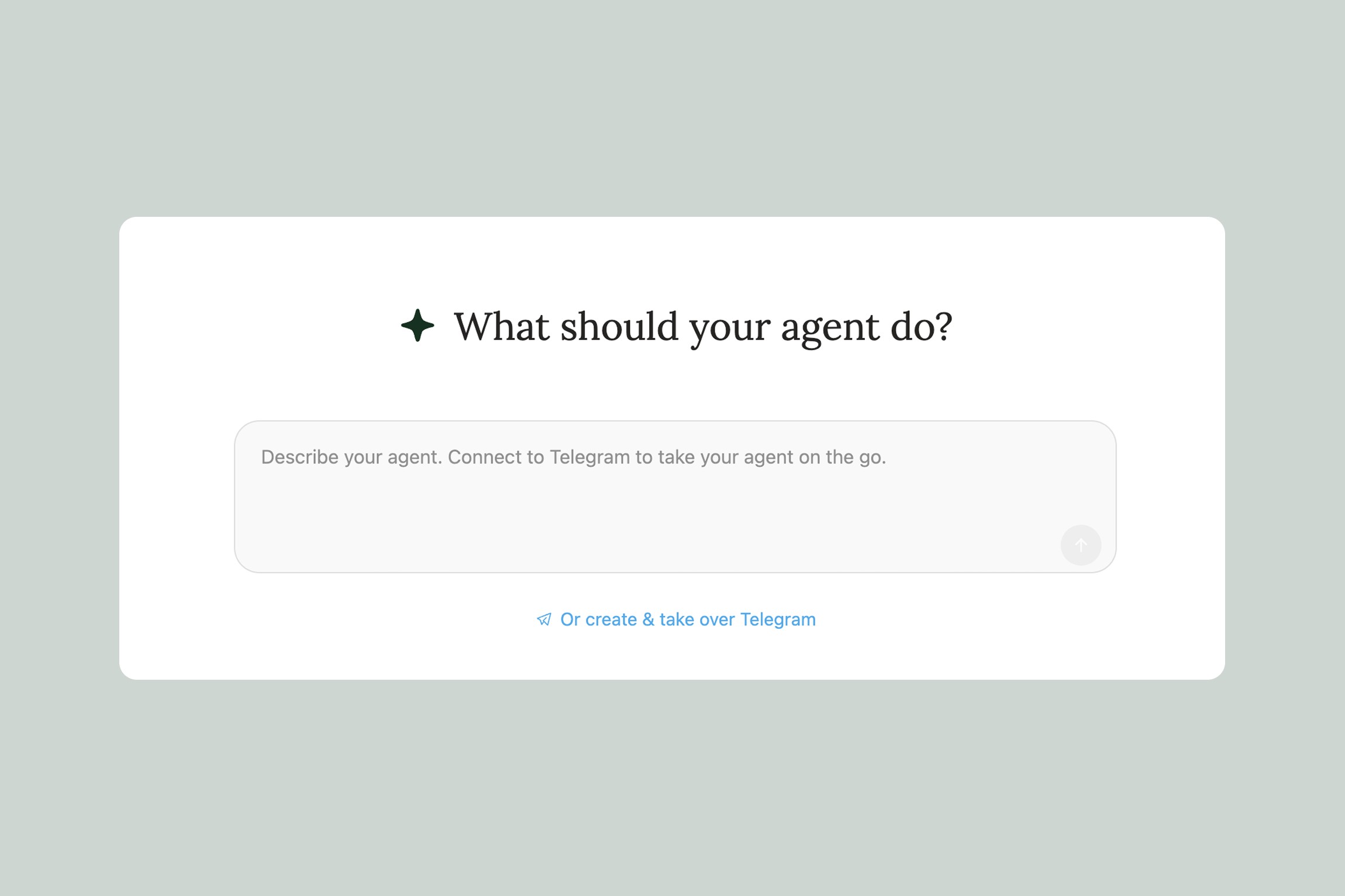
This is the easiest path. On the new agent page, just describe what you want your agent to do in plain language. Eden will generate the instructions, pick a name, and set everything up for you.
You don't need to be detailed — a sentence or two is usually enough. For example:
"I want an agent that preps a research brief before every podcast interview I do"
"Help me build a content repurposing agent that takes my YouTube videos and creates Twitter threads, LinkedIn posts, and newsletter sections"
"I need an agent that reviews my weekly analytics and tells me what's working"
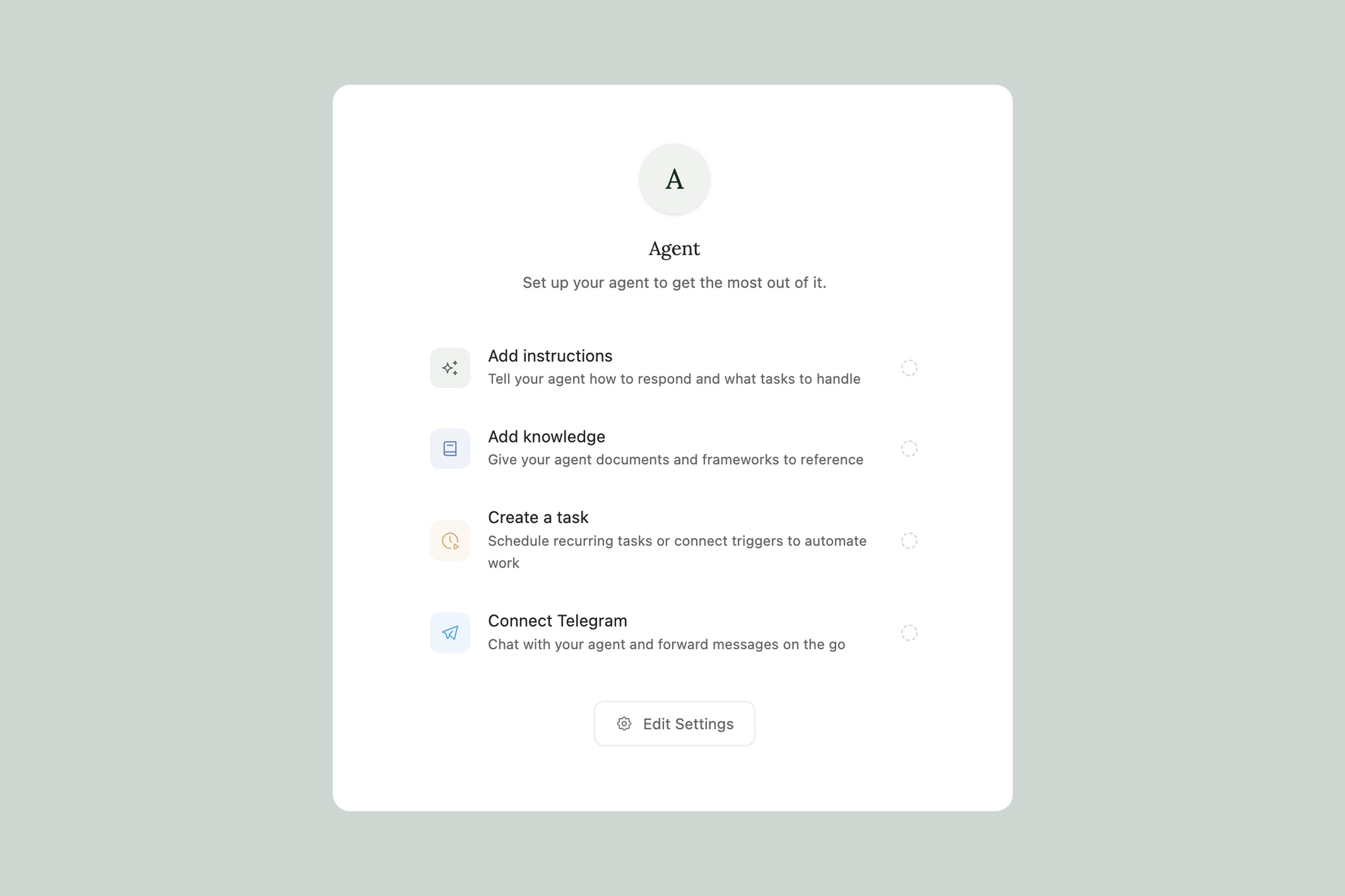
Eden reads your description, figures out the best way to structure the agent, and writes the full instructions. Once it's built, the agent immediately starts its setup flow — asking you a few questions to personalize itself, just like a template would.
If the description is too vague (like "make me an agent"), it'll ask one clarifying question before building. And if what you're describing sounds like a one-time task rather than an ongoing workflow, it'll suggest using Eden AI chat instead — agents are built for things you'll do repeatedly.
After your agent is created, you can always refine it. Just tell the agent what to change ("be more concise in your briefings" or "add a section about competitors") and it will update its own instructions. Or go to the agent settings and edit directly.
Option 2: Start from Scratch
If you want full control over every detail, click "Start from scratch" in the top right of the new agent page. This gives you direct access to all the agent settings:
Name — Give your agent a short, descriptive name. Two words works best: "Launch Strategist," "Pitch Editor," "Content Engine." This is how you'll identify it in your agent list and when switching in Telegram.
What the agent calls you — Set what name the agent uses when talking to you. Some people like their first name, some prefer something more casual.
Instructions & Personality — This is the big one. The instructions tell the agent who it is, how it should work, and what it should do. This is where you define its role, its workflow, its tone, and its constraints. We cover how to write great instructions in Best Practices for Agent Instructions.
AI Model — Choose which AI model your agent uses. Different models have different strengths — some are better for creative work, others for analysis and reasoning. You can change this anytime.
Memory — When enabled, your agent remembers your preferences and past conversations. Over time it learns things like your writing style, your audience, your schedule, and your preferences — so you don't have to repeat yourself.
Knowledge Base — This is your agent's reference library. Add templates, brand guidelines, frameworks, past work, or anything else your agent should know about. The knowledge base is different from your workspace — it's private to the agent and always available for context. More on this in Agent Knowledge Base.
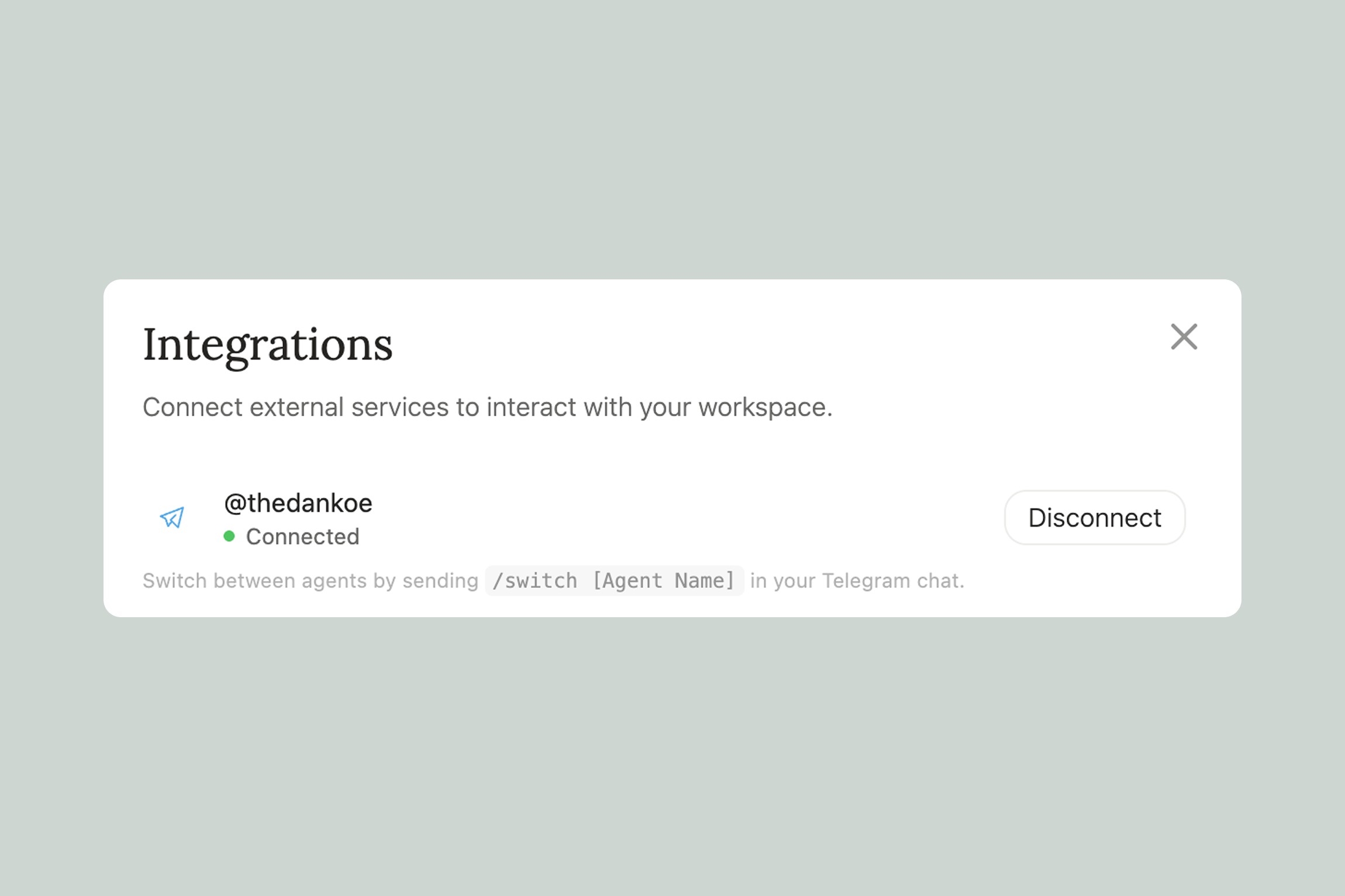
Telegram — Connect your agent to Telegram so you can interact with it from your phone. We cover this in Connecting Your Agent to Telegram.
Which Option Should I Pick?
Describe what you want if you have a clear idea of the agent's job but don't want to write technical instructions. Eden handles the structure — you just describe the outcome. This works great for most people.
For example, a content creator might type: "I want an agent that helps me plan and write my weekly newsletter. It should know my audience, my past newsletters, and my brand voice. I want it to suggest topics, help me outline, and review my drafts." Eden takes that and builds a fully structured agent with an initialization flow, a knowledge base setup, and a recurring workflow.
Start from scratch if you want to control exactly how the agent thinks and responds. This is for people who want to write their own instructions, set up a specific knowledge base structure, or build something very precise. It's also useful if you're adapting a prompt or workflow you've already developed.
You can always move between the two. Build with a description first, then go into settings and tweak the instructions directly. Or start from scratch and ask the agent to refine its own instructions based on how it's performing.
Tips for Describing Your Agent
The more specific your description, the better the result. Here's the difference:
Vague: "I want a marketing agent" This will work, but Eden has to make a lot of assumptions. You'll spend more time refining.
Specific: "I want an agent that tracks my competitors' social media, sends me a weekly report on what they posted, and suggests content angles I should try based on gaps in my own content" This gives Eden everything it needs — the job, the cadence, the deliverable, and the strategy.
A few things that help:
Mention what the agent should deliver (a briefing, a draft, a report, a list)
Mention how often (daily, weekly, when triggered by something)
Mention what it needs to know about (your brand, your audience, your tools)
Mention how it should communicate (casual, direct, detailed, brief)
Don't worry about getting it perfect. You can always tell your agent to adjust after it's running.
Thank you.