Free tool
Free post image generator.
Paste a link to an X, LinkedIn, or Threads post or a Substack note, or just type your text, and get a clean quote-card image: your text, name, handle, and profile photo. No signup, no watermark. Download the PNG for Instagram, LinkedIn, or your newsletter.
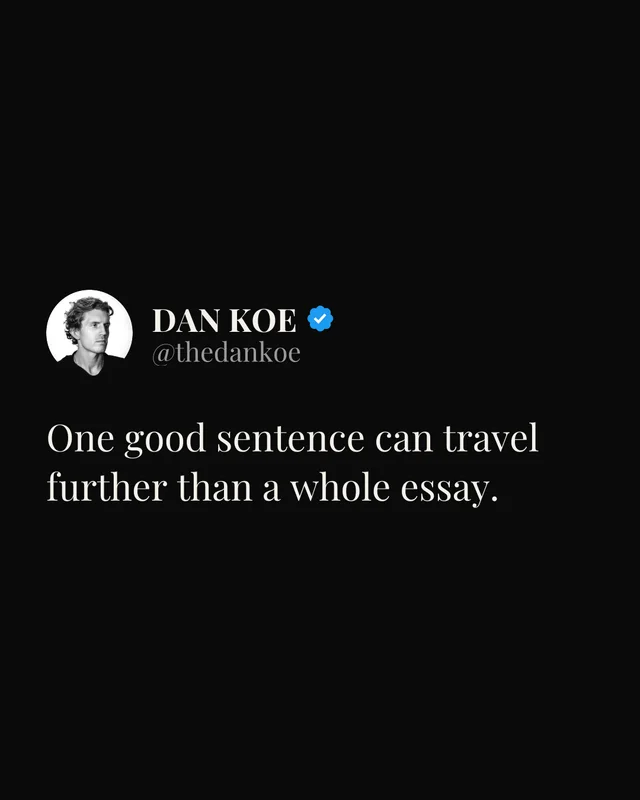
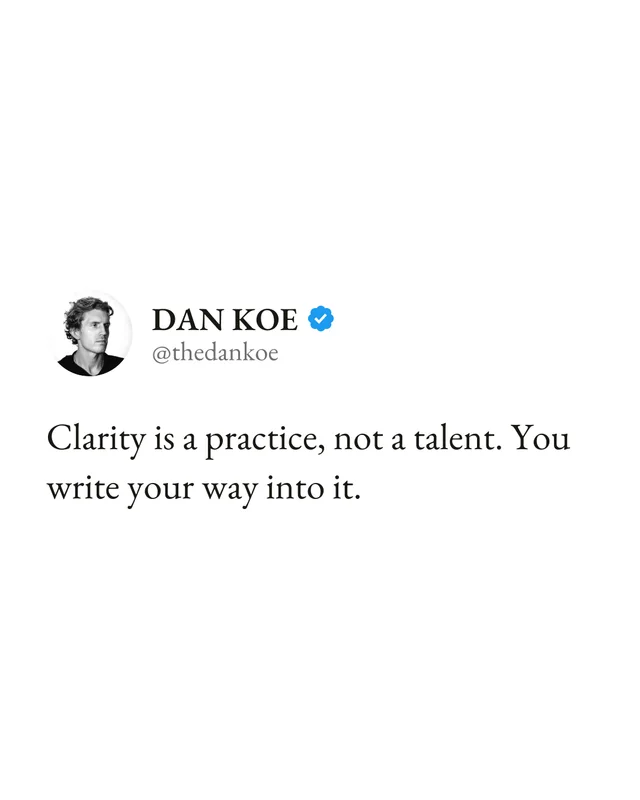
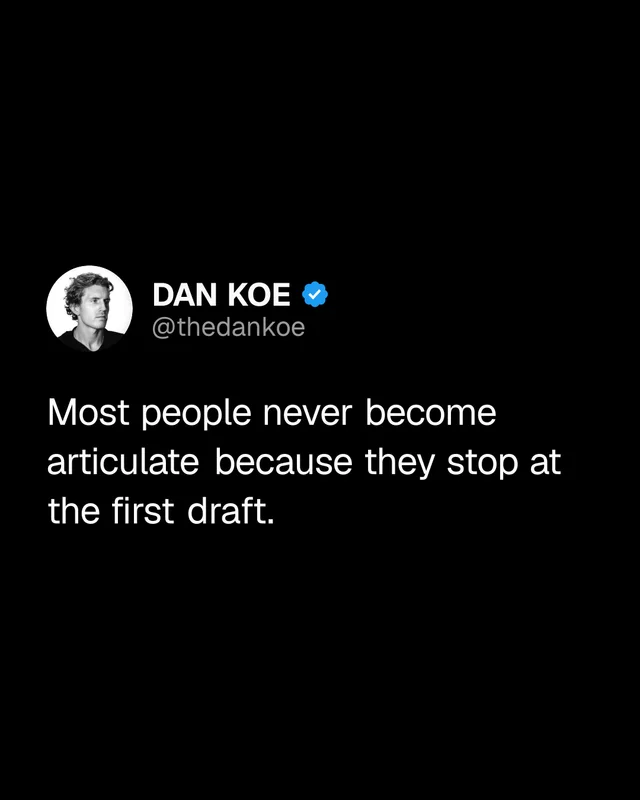
Your image shows up here. Type your text in the box, or paste a post link above.
No watermark. Yours.
Format
Look
Size
Text size
Text
Name
Handle
Photo
How it works
- 1
Paste a link, or type your text. An X post, a LinkedIn post, a Threads post, or a Substack note or article. We pull the text, the author's name, handle, profile photo, and live engagement counts. Or just type the words you want on the card.
- 2
Make it yours. Pick a look and a size, trim the text, edit the name or handle, toggle the verified badge and the post's real engagement counts. The preview re-renders live.
- 3
Download the PNG. A crisp 1080-pixel image with no watermark, ready for Instagram, LinkedIn carousels, Stories, or your newsletter.
Why post images work
A strong one-liner dies when it stays on one platform. Turning it into an image lets it travel: an X post becomes an Instagram carousel slide, a Threads take becomes a LinkedIn image post, a Substack note becomes a Story. The quote-card format keeps the author attached to the words, so the idea builds your name wherever it lands.
If you repurpose posts every week, the screenshot-crop-resize loop gets old fast. That's the workflow Eden automates: write or import a post, click once to render it as an image with your account's identity filled in, and schedule it to eight platforms from one queue.
Frequently asked questions
How do I turn a tweet or post into an image?
Paste the post's link into the box above and click Make the image. We pull the post's text, the author's name, handle, and profile photo, and render a clean quote-card image you can download as a PNG. Works with X (Twitter) posts, LinkedIn posts, Threads posts, and Substack notes and articles.
Can I make an image without a link?
Yes. Type your text straight into the box instead of a link and click Make the image. You can add your name and handle by hand, or switch to the text-only format for a clean quote image with no header at all.
Is this post image generator really free?
Yes. No signup, no credit card, and no watermark on the image. There's a fair-use limit per connection so bots can't hammer it, but a person using it normally will never hit it.
Does the image have a watermark?
No. The PNG you download is clean: just the post text, the name, the handle, and the profile photo. It's yours to post anywhere.
Can I edit the text before downloading?
Yes. After the post loads, the text, name, and handle are all editable, and you can toggle the verified badge and the post's real like, reply, and repost counts. The preview re-renders as you change things, so what you see is exactly what you download.
What sizes can I make?
Three: portrait 4:5 (the feed-friendly default for Instagram and LinkedIn), square 1:1, and story 9:16 for Instagram Stories, TikTok, and Reels backgrounds. All render at full 1080-pixel width.
Where does the profile photo come from?
From the post's author, automatically. We look up the public profile behind the link and use the sharpest copy of the photo we can find, so it doesn't come out blurry the way screenshots often do. You can also upload your own photo, which is handy for cards you type from scratch.
Why use this instead of a screenshot?
Screenshots come out low-resolution, catch stray UI like timestamps and reply counts, and look different on every phone. A rendered card is crisp at 1080 pixels, shows only what matters, and comes in feed-ready sizes. You can also fix a typo before it becomes an image, which a screenshot can't do.
How do I make these automatically for every post?
That's what Eden does. When you schedule a post in Eden, one click turns it into an image like this, with your connected account's name, handle, and photo filled in, and attaches it to the post. The chat can generate them too.
Do this automatically in Eden.
Every post you schedule in Eden can become an image like this in one click, with your connected account's name, handle, and photo filled in. Write once, publish the text to X and Threads, and the image version to Instagram and LinkedIn, all from one queue.
Free plan. No card required. 100 saved items and 50 AI credits included.