Alex Hormozi@AlexHormozi1y
The single greatest skill you can develop is the ability to stay in a great mood in the absence of things to be in a great mood about.
101K17K25×Top 1%
Unlimited people. Save every idea, research millions of top posts, schedule everywhere, and run products and email lists for your own business and every client, in one place.
What your team gets:
Each client's brand guide, offers, and voice live on their Brand board, so the whole team writes from the same source.
Hours of scrolling for ideas. Drafts from a blank page. Links lost in your texts. Results in five different tools, and a seat to pay for in every one. Eden gives your whole team one system, for your own business and every client you take on.
What a 10-person team pays today, before you count the hours lost copying work between tools. On Team, adding person 11 costs nothing.
List prices billed monthly where offered, checked October 2026, each the cheapest fair plan: Notion Business, 10 seats; ChatGPT Business, 10 seats; Sandcastles Titan + Poppy Creator + 1of10 Basic; Perplexity Enterprise Pro, 10 seats; Hootsuite Advanced, 1 user; Iconosquare Launch, 1 user; ManyChat Pro; Kit Creator; Linktree Pro; Kajabi Basic. Poppy bills yearly only. Hootsuite and Iconosquare are priced for one user.
Search your niche, or a client's, and see the posts doing 10x their creator's normal on 7 platforms. Every idea your team pitches starts with proof.
Pick any creator and see the posts that beat their normal, the hooks they keep reusing, and the formats that work on each platform.
Save each brand's posts, notes, and research to its own workspace. Its Custom AI reads all of it, drafts in that voice, and builds on what's already been said, so your team edits instead of starting from scratch.
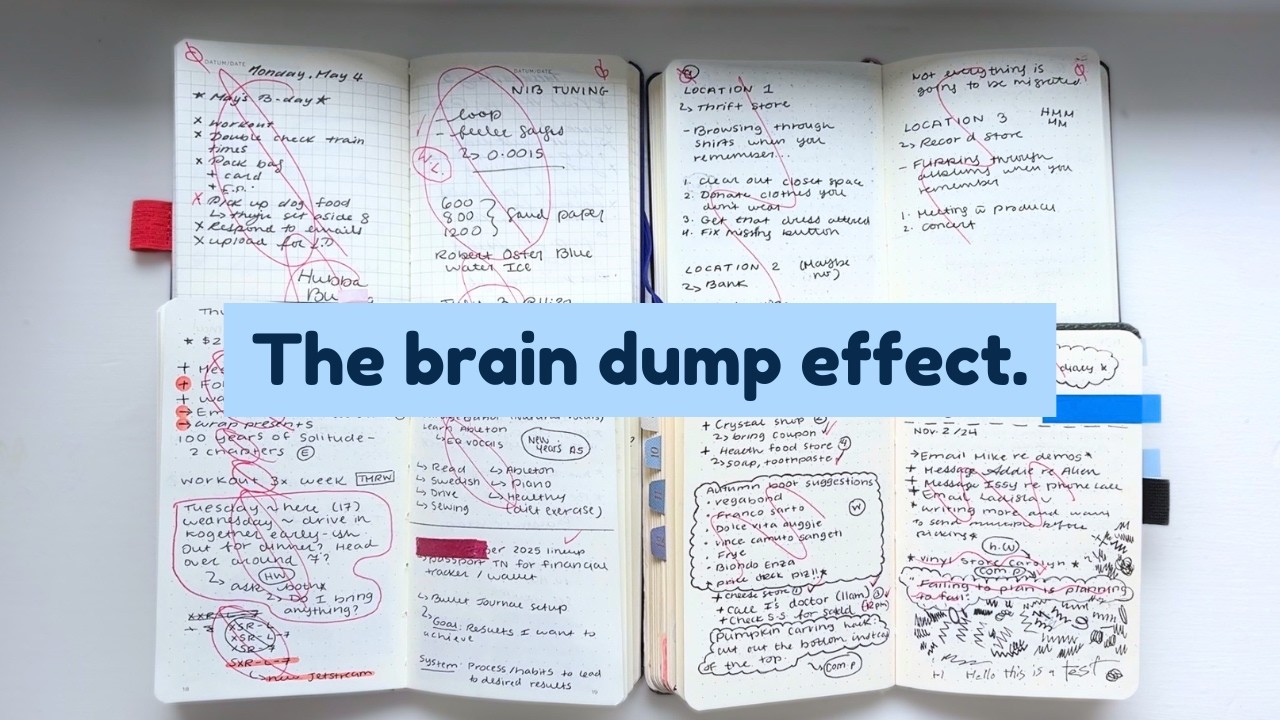
The first hour of your day has no owner. That is why it fills up with other people's requests.
I used to open my laptop and answer whatever was loudest. Two hours later I had sent eleven replies and written nothing. The email was answered. The thing I actually cared about had not moved.
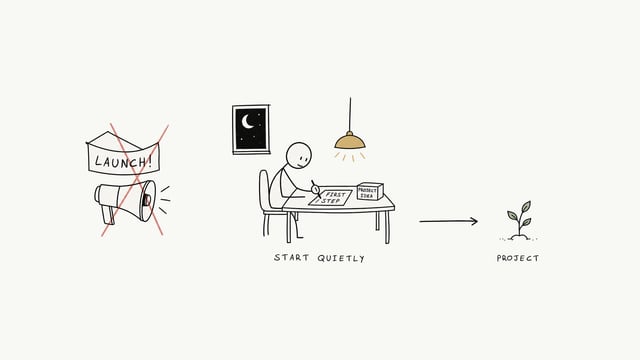
Now the first hour has one job. One task, written as an outcome the night before. Phone in another room. One document open.
If something urgent arrives at 9:10, it is still urgent at 10:10. Almost nothing changes in sixty minutes except your resistance to it.
Try it for five workdays. Write tomorrow's one task tonight, then close the loop before you open email.
Brand and Scripts boards and a Research folder are made for you when you add a client.
Build your script writer or research analyst once. One switch shares it with every client, one edit updates them all.
Jump between clients from the sidebar or with ⌥ ⌘ K. Nothing mixes between them.
A two minute quiz becomes each brand's content pillars, with the topics breaking out in its niche under each one, plus angles and post ideas. Then plan the week with one pillar a day.
Next week's posts wait in the client's portal. They approve each one or ask for changes, and you get a recorded yes before anything goes live.
Someone comments a keyword and gets the DM with the link. Flows can ask a few questions first and send each person to the right offer.
From Sequence Social's own site, pricing, and roadmap, checked October 2026.
Pay half price for your first month. Add client workspaces now or later. It takes about two minutes.
Invite everyone, with no seats to count. Agencies add a private workspace for each client.
An Eden expert helps you bring your workflow over and build your shared AIs, so you're working in days, not weeks.
Unlimited people, your team workspace, and 3 client workspaces. Add more for $19/month each, $9/month each past 10. Half off your first month, and not happy in the first 30 days? Get your money back.
Want to look around first? Start free and upgrade from Settings when you're ready. More than 25 clients, or need custom terms and invoices? Talk to us.
For company teams and agencies. Unlimited people.
$249 a month, or $2,490 a year (two months free), for unlimited people. That includes your team workspace and 3 client workspaces. Extra client workspaces are $19 a month each, then $9 a month each past 10. Your first month is half off.
As many as you want. Team has no seats to buy. Everyone shares one pool of AI credits, storage, and email sends.
No. A company or a consulting firm can work in its own team workspace and never add a client. Agencies add a workspace per client. It's the same plan either way.
Your first month is $124.50, and if Eden isn't for you, email us within 30 days for a full refund. Want to look around first? Start free on a normal workspace and upgrade to Team from Settings, Billing whenever you're ready.
You land in your team workspace and can invite your team or add your first client right away. You also get a link to book your setup call with an Eden expert, and we open a private Slack channel for your team.
Company teams, consulting firms, and content, social, and ghostwriting agencies. If you're one creator running your own business, Pro or Max on the pricing page fits better.
Everyone on your team and every client workspace spends from one pool of 4,500 credits a month. Settings shows how much each client used this month, and you can set a monthly cap on any client so one account never drains the pool.
1 TB, shared by your team workspace and every client workspace, with files up to 25 GB each. Need more? Add 1 TB for $30 a month from Settings.
Every workspace can have its own list of up to 50,000 contacts. Sends come from one pool of 200,000 a month for all of them. Turn on pay as you go so emails keep sending if the pool runs out.
No. Clients get a free portal where they sign off on posts, connect their accounts, and see their weekly results. They never see your AI chats.
No. Build them once in your team workspace and turn on sharing. They show up in every client workspace for your team. Edit the one copy and every client gets the change. Skills work the same way.
No. Clients connect their own social accounts from their portal, with their own logins. Your team posts for them without ever seeing a password.
Yes. Each client is its own private workspace with its own boards, notes, and chats. Your team switches between them from the top of the sidebar, or with ⌥ ⌘ K.
Yes, your team uses the Eden iPhone and Android apps. You buy and manage Team on the web.
You keep them. Switch to Team from Settings, Billing, and your workspaces come with you.
Talk to us on the Enterprise page and we'll build a custom plan.

Half off your first month, a setup call with an Eden expert, and 30 days to get your money back.
Start your Team plan