Post it everywhere, on autopilot.
- Eight platforms from one queue
- A version per platform, threads included
- First comment and auto repost run themselves
- Posting times you set, in your timezone
- Post images and carousels, rendered free
- Several brands, each with its own queue
A week of posts, lined up in one sitting.
Drafts, Scheduled, Sent. Three tabs beside the composer. The Scheduled tab lists every upcoming post by day, with an open row for each slot you haven't filled.
See the week on a calendar. Switch to the week view and drag a post to a new time. Sent posts show a green check, failures show amber.
Change your mind anytime. Edit, duplicate, move to draft, or delete from a post's menu, right up until it starts publishing.
One post, the right shape everywhere.
Write it once. The shared source goes to every platform you turn on. A chip for each one shows how close you are to its limit.
Rewrite it where it matters. Open a platform's tab and give it its own words, media, or thread. The others stay as they are.
Threads, long-form, and media rules. Split a post into a native thread on X or Threads. Eden knows each platform's caps and tells you before it fails.
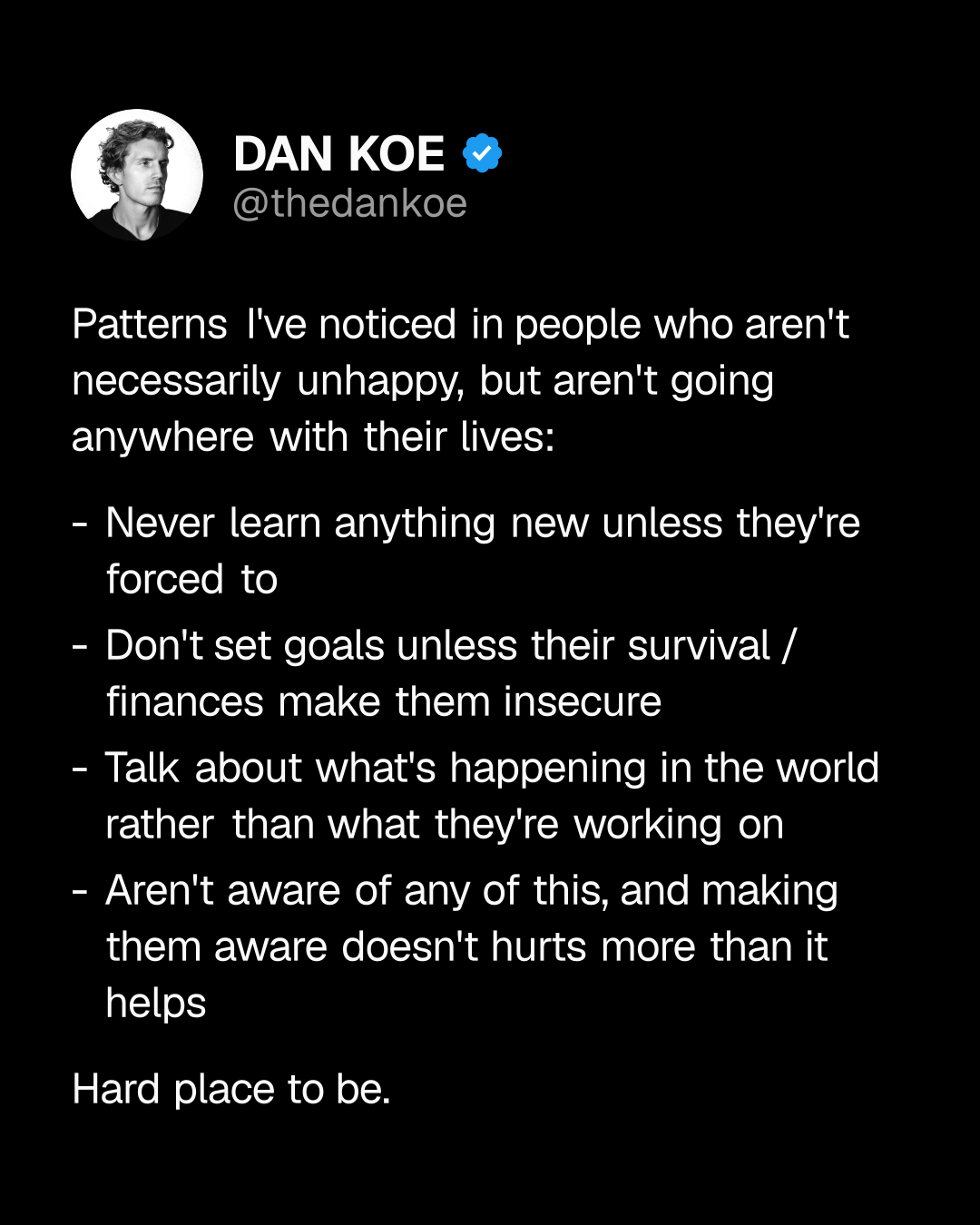
The busywork that grows reach, on its own.
First comment. A link, a CTA, or context, posted right under your post the moment it goes live. Immediately, after a delay, or at a like count.
Auto repost on X. Repost your post a few hours later, up to twice, and remove it after. Set it once and it stays on for new drafts.
See it on the card. Posts with automations carry their icons in the queue, so you know what will fire before it does.
Every post, with its numbers.
A history you can act on. Sent keeps every published post with a link to each platform. Likes, comments, shares, and saves sync in on their own.
Run it again. Duplicate a post that worked as a new draft, straight from its menu.
Honest failures. A post that misses its slot lands in Attention needed at the top of your queue with the reason and one-click fixes.

Or just tell Eve where and when.
Schedule from a sentence. Queue this on X and LinkedIn Tuesday morning. Eve drafts the card, picks the slot, and adds it to your queue.
Tailored on the way in. Ask for a thread on X and a document on LinkedIn, and each platform gets its own version.
You still review it. Every post Eve schedules is a normal post in your queue. Edit, move, or pull it like any other.
Every account, every brand, one place.
Connect once. X, LinkedIn, Threads, Instagram, TikTok, Facebook, and YouTube link in one step on each platform's own login. Substack connects on its own.
Schedules per cadence. Put accounts on more than one schedule when they post at different rhythms, each with its own slots and timezone.
Brands on Pro and Studio. A brand keeps its own accounts, schedules, and queue. Run a personal brand and a company, or every client, from one workspace.
The parts people ask about before they queue a post.
Which platforms can Eden publish to?
X, Threads, LinkedIn, Instagram, TikTok, Facebook Pages, YouTube Shorts, and Substack. X, LinkedIn, Threads, Instagram, TikTok, Facebook, and YouTube connect together in one step under Settings, then Scheduling. Substack connects on its own.
Does my computer need to be on?
No for every platform except Substack. Posts publish from Eden's servers at their slot. Substack has no public API, so Eden hands most notes and articles to Substack's own scheduler ahead of time, and threads and image notes post from Chrome with the Eden extension or the desktop app.
Can I write a different version for each platform?
Yes. Every post has one shared source, and each platform has its own tab where you can rewrite it, split it into a thread, or attach different media. The chip row under the composer shows a dot on any platform you customized.
What are the first comment and auto repost automations?
First comment posts a reply right after your post goes live, on X, LinkedIn, Threads, Instagram, and Facebook, either immediately, after a delay, or once it reaches a like count. Auto repost is X only. It reposts your post a few hours later, up to twice, and can remove the repost after a set time.
How do posting times work?
Each schedule has weekly slots you set under Settings, then Scheduling, in your own timezone. Schedule sends a post to the next open slot. You can also type any time, like tomorrow at 9am, or pick a slot from the list.
What happens if a post fails?
It lands in an Attention needed section pinned to the top of your queue, with a plain reason and one-click actions: Publish now, Reschedule, or Move to draft. Nothing fails silently.
Can I run more than one brand or client?
Yes, on Pro and Studio. Each brand has its own connected accounts, schedules, and queue. Pro includes up to three brands and Studio ten, with more at $7 a month each. Switch brands from the top of the Publish pane.
Does scheduling cost credits?
No. Drafting, scheduling, and publishing are free on every plan that includes scheduling, however many platforms a post targets. Post images rendered by the studio are free too.

Stop letting finished posts sit in a doc.
Queue a week of content in one sitting and let Eden publish it everywhere, on time. Try it for free.
Queue your first post