
Spotter Studio ended public access in October 2025. Eden gives you a new place to find outliers, develop angles, and organize your research, across YouTube, X, Instagram, TikTok, LinkedIn, and Substack.
Start freeChecked September 20, 2026
Spotter Studio moved from a public product to internal use at Spotter. Eden is an alternative for outlier research, developing ideas, and writing from saved sources. It also supports written content and scheduling. It is not a migration of your old Studio account.
Keep YouTube in the picture. Eden Discover includes YouTube outliers. Filter by topic, audience size, and how far each video beat the channel's usual performance.
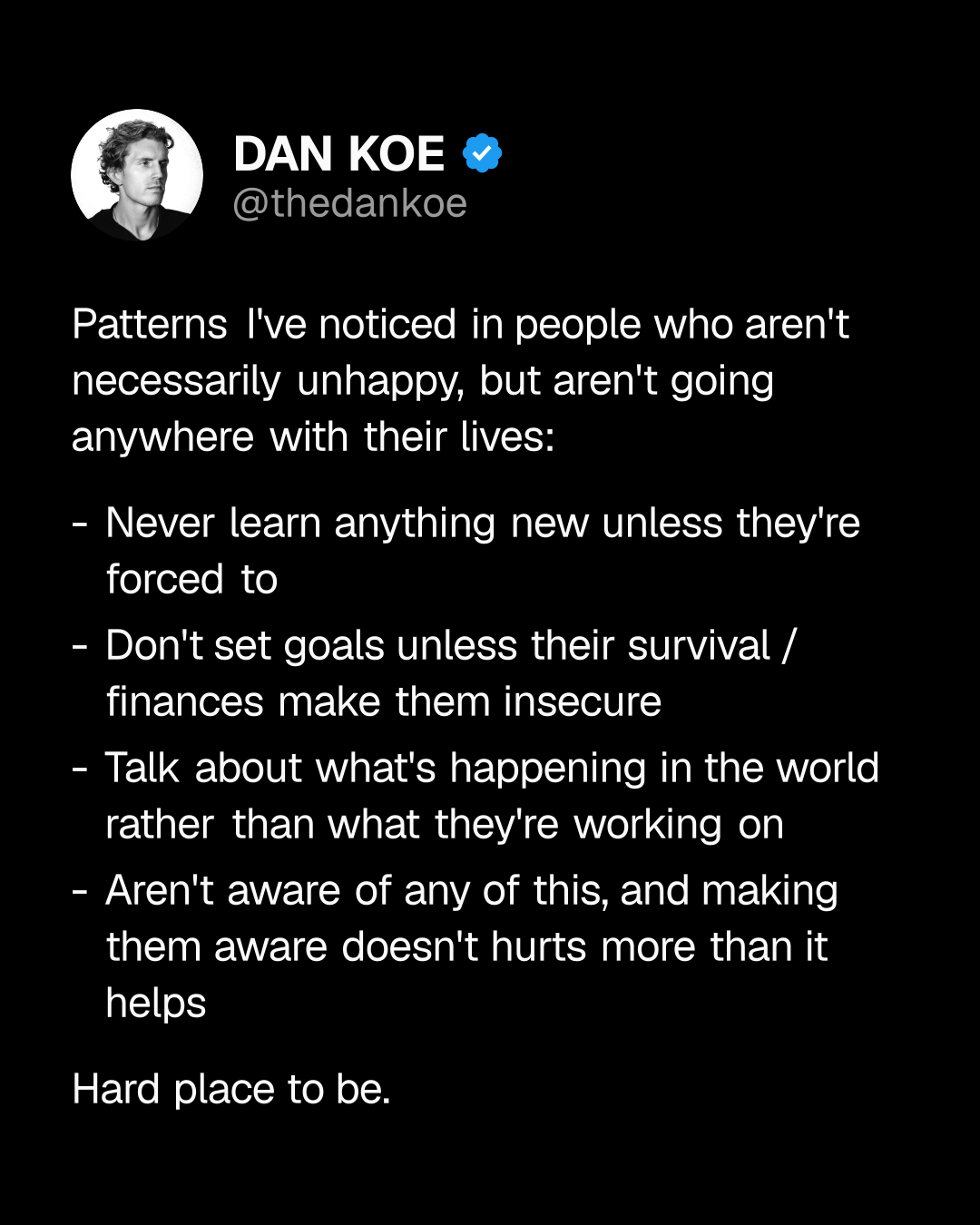
Add five other sources of inspiration. Look for related ideas on X, Instagram, TikTok, LinkedIn, and Substack. The argument for your next video might already be resonating as an essay.
Explore the structure and the substance. Ask Eden to break a video into post ideas, examine a hook, or compare arguments across saved sources. Choose the direction you have something to add to.
Make the context personal. Bring your own notes and past work into chat. A writing-voice Custom AI can guide the style while you shape the argument.
Build a board for the piece. Collect videos, articles, posts, and notes. Keep the source material in view while you work through the outline and draft.
Bring over what you already have. Add source links, documents, and ideas you've kept. Eden doesn't automatically import Spotter Studio projects or account history.
Keep production in your existing tools. Use Eden for research and writing. Your recording, editing, and video-production process stays yours to manage.
Write for each audience. Develop the idea into a newsletter, a thread, or a short video. Each platform has its own tab for adjusting your copy and media.
Give it a place in your week. Eden schedules to X, LinkedIn, Threads, Instagram, TikTok, Facebook, YouTube Shorts, and Substack. Scheduling starts on Starter.
Keep your production tools. Record and edit videos in the tools you already use. Eden's YouTube publishing is for Shorts; you can still research and write long-form scripts here.
Checked September 20, 2026. A dash means the tool does not do it.
Based on published product information. Features and prices can change.
Studio is no longer sold as a public subscription. Contact Spotter for questions about an old account. Its internal tools and creator partnerships are separate from the former public product.
You want to rebuild the research-to-draft workflow, and draw inspiration from more than YouTube. Start with one topic, a few sources, and a piece you want to make.
Verified September 20, 2026. Competitor pricing changes; check their site to confirm.
There is no active public Studio price to compare. Eden lets you try the research workflow free, then choose a paid plan for the features and AI usage you need.
The public offering ended in October 2025 as Spotter moved Studio to internal use. Its old domain now redirects to Spotter's main site. Old search results advertising a paid plan or trial should not be treated as current offers.
No. The change concerns Studio's public offering. Spotter continues its creator and brand businesses, and said it would use Studio internally.
Eden can help you find outliers, develop angles, organize references, and write a script. It is a different product, with research across six platforms and scheduling on supported plans. There is no dedicated Studio project importer.
Yes for research and scriptwriting. Eden's YouTube publishing integration is for Shorts. Upload long-form videos through your existing YouTube workflow.
YouTube outlier research, ideas, titles, and thumbnails.
The former X analytics and personal CRM tool. Closed July 1, 2026.
YouTube analytics, outlier discovery, and thumbnail research.
Short-form video research, analysis, and scriptwriting, with an MCP connector.
Visual AI boards with creator lookup and profile-level outliers.
Discover what's working. Save the sources. Create in your voice.
Start free