Personal Brand Strategist workflow
Claude interviews you, studies your niche, and writes your personal brand strategy with a swipe file and your first five posts.
Say "Build my personal brand strategy" in Claude. Answer six questions and get your full strategy: what you're known for, a topic tree, a swipe file of proven posts, and your first five posts.
Set it up
- 01
Connect Eden to Claude
On eden.so/workflows/personal-brand-strategist, click Add Eden to Claude and sign in. Other apps: see Connect your AI app to Eden.
- 02
Add the workflow
Pick one of the three ways below. All three are on the same page.
- 03
Start it
Say "Build my personal brand strategy". Claude asks six questions in one message. Short answers are fine.
| Way | What to do | Best for |
|---|---|---|
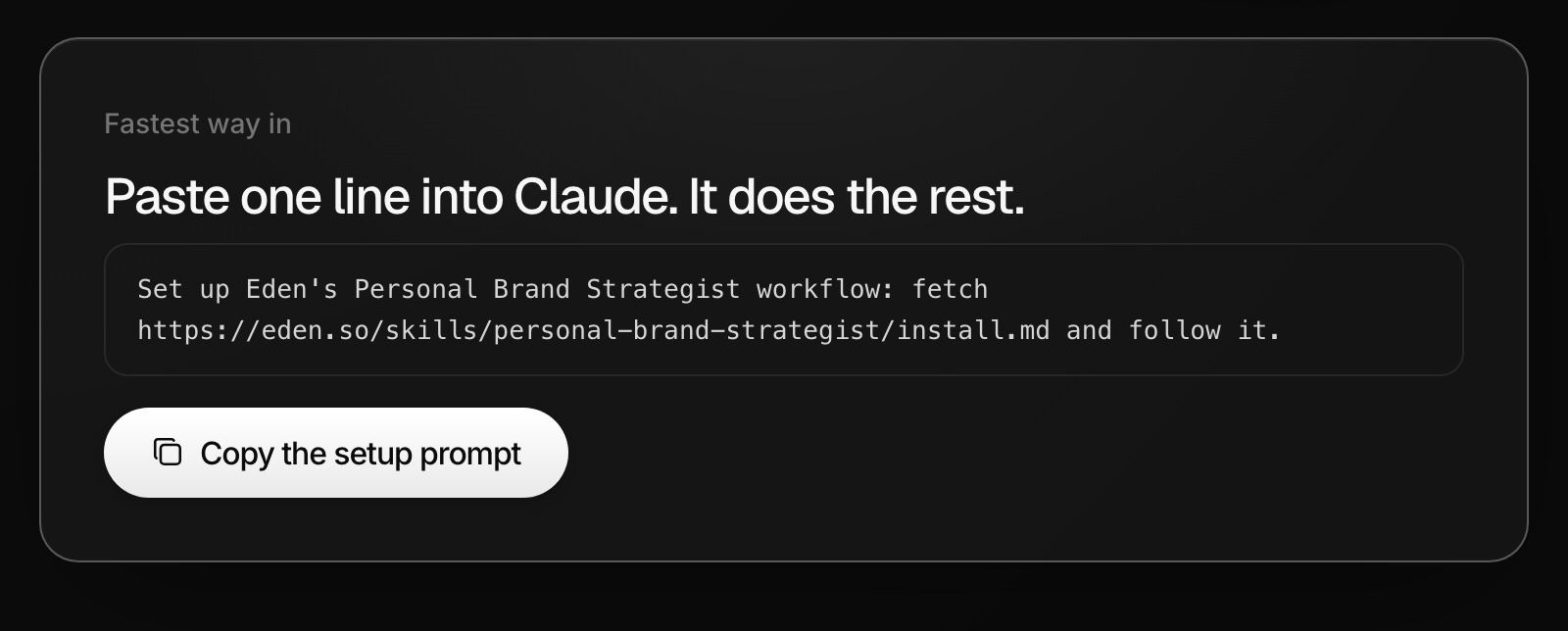
| Setup prompt | Click Copy the setup prompt and paste it into Claude. Claude connects Eden, installs the workflow, and starts it. | The fastest start |
| One-shot prompt | Click Copy the full prompt and paste it into Claude. | Trying it with nothing to install |
| Skill file | Click Download the workflow. On claude.ai, upload it in Settings → Capabilities → Skills. In Claude Code, unzip it into ~/.claude/skills. | Coming back to refresh it |
What it does
- Asks about your interests, who you could help, your story, your platforms, and your handles.
- Finds breakout posts from real people in your niche. Meme, quote, and brand accounts get dropped.
- Writes the strategy, from your topic tree to your first five posts and how it could make money.
- Saves the strategy, your answers, and 8 to 16 swipe-file posts to a Personal brand strategy board.
- Offers to load your first five posts into your Eden scheduler as drafts, with no publish time.
What you need
- Just your answers. You don't need to have posted before.
- An Eden account. Free works. Research uses 0.1 to 0.5 credits per search or read.
- Saving drafts to the scheduler needs Starter or above.
Run it again
- Say "Refresh my personal brand strategy". Claude asks what changed and redoes the research.
- Or tell Claude when: "Every three months, refresh my personal brand strategy."
Connect your AI app to Eden
Setup steps for Claude, ChatGPT, Cursor, Claude Code, Codex, and other MCP apps, plus how to limit access, pick a workspace, and disconnect.
Weekly Content Strategist workflow
Claude studies your winners, your market, and your saved ideas, then hands you a ranked list of short-form and long-form ideas each week.
Offer Consultant workflow
Claude helps you pick what to sell first, then builds it into an offer with an outcome, a named method, a guarantee, and a price.
Get answers from the team and other creators.
Ask in the Eden help channel, see how others use the app, and come to the live workshops. Free with any Eden account.
Join the Eden CommunityEmail us. A real person reads every message.
Tell us what you tried and where you got stuck. We answer within one business day.
[email protected]