Connect your social accounts
Link X, LinkedIn, Threads, Instagram, TikTok, Facebook, YouTube, Substack, and Ghost so you can post from Eden.
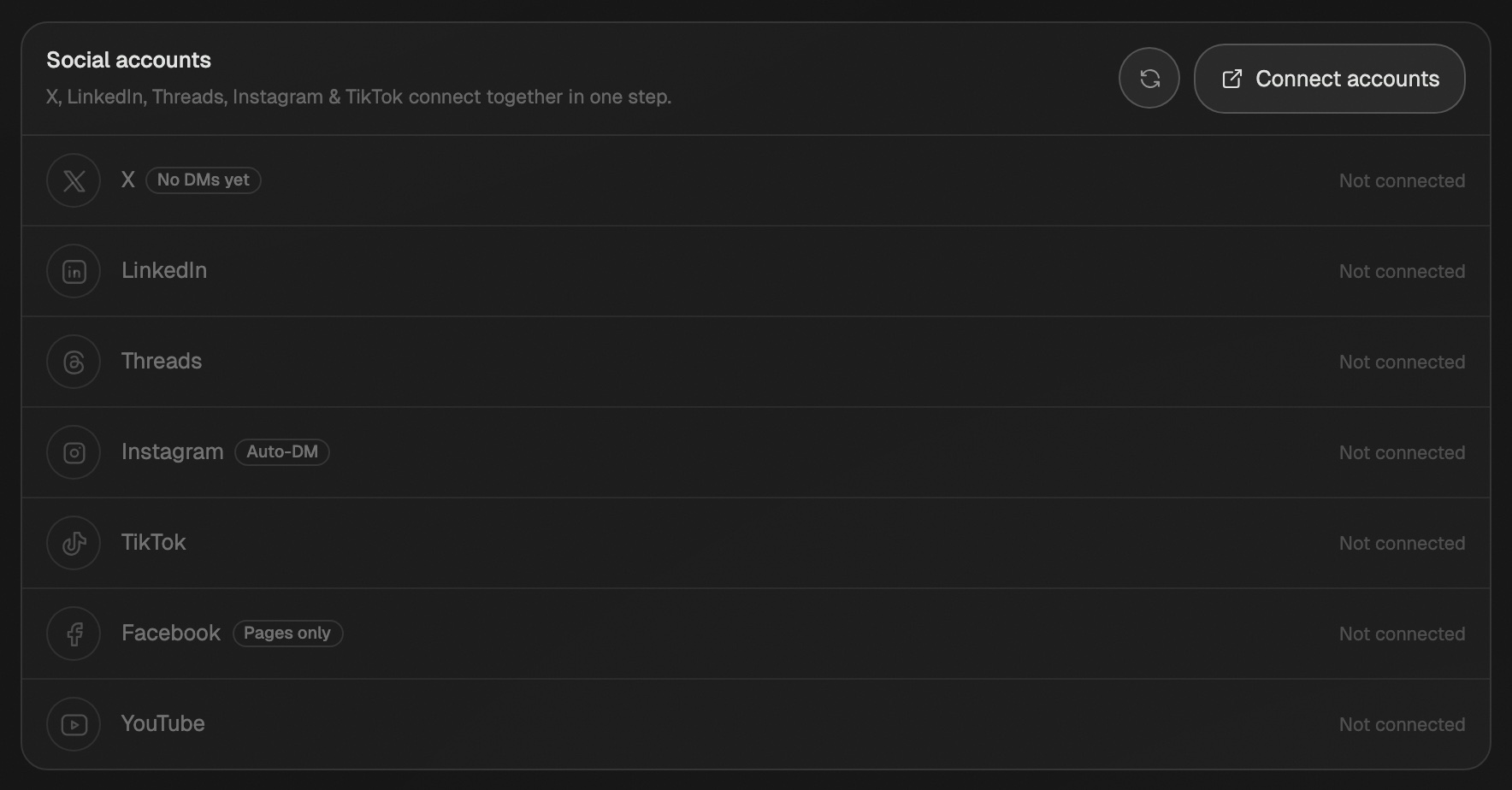
Go to Settings → Social accounts and click Connect accounts. Log in to each platform in the window that opens. Close it when you're done and Eden picks them up. Needs Starter or above. The $5 Discover plan can schedule 3 posts in total.
Connect your accounts
- 01
Open the connect window
In Settings → Social accounts, click Connect accounts (it says Manage once you have one linked).
Each platform shows Connected with your handle once it's linked. - 02
Log in to each platform
Each platform shows its own login. Log in and approve the permissions. You can link several in one visit.
- 03
Close the window
Each linked account shows Connected with your handle. If one is missing, click the refresh button next to Connect accounts.
Substack connects on its own. Click Connect Substack lower on the same page. See Schedule Substack notes.
Ghost connects on its own too. Click Connect Ghost on the same page and paste your site's Admin API key. See Publish articles to Ghost.
What each platform needs
| Platform | What to know |
|---|---|
| X | X may warn that it rejected the messaging permission. Ignore it. Posting works. |
| Pick your profile or a company page. Pages show a Company page tag. | |
| Threads | Log in and approve the permissions. |
| Business or Creator only. Music on Reels needs a Facebook Page linked to it. | |
| TikTok | Log in and approve content permissions. |
| Pages only. Personal profiles and Groups can't be posted to. | |
| YouTube | Eden posts Shorts only. |
| Substack | Connects separately and posts from your own devices. One account per workspace. |
| Ghost | Connects separately with an Admin API key. Articles only. |
Extra X settings
Once X is connected, two switches show under it:
- Advanced automations turns on auto-retweets and reposts of other people's posts.
- X Premium lets you schedule posts over 280 characters.
Where your accounts live
- Accounts belong to one workspace. Switch workspaces and you connect again there.
- On Pro and Max, each brand has its own accounts. Pick the brand under Brand in Settings → Social accounts before you connect.
Disconnect or re-link
- Click ⋯ next to an account, pick Disconnect, then confirm.
- To re-link, click Manage and log in again. The new link replaces the old one.
- To add music to Reels, Instagram must be connected through a Facebook Page. Click Music off · Fix on the Instagram row. See Switch to Facebook login for music.
Schedule and publish posts
Write a post in Publish, pick your platforms, then schedule it or send it now.
Schedule Substack notes and articles
Connect Substack through Chrome, the Mac app, or your phone, and schedule notes and articles that post on time.
Scheduling troubleshooting
Fix posts that failed, missed their time, or won't schedule, and accounts that won't connect.
Get answers from the team and other creators.
Ask in the Eden help channel, see how others use the app, and come to the live workshops. Free with any Eden account.
Join the Eden CommunityEmail us. A real person reads every message.
Tell us what you tried and where you got stuck. We answer within one business day.
[email protected]